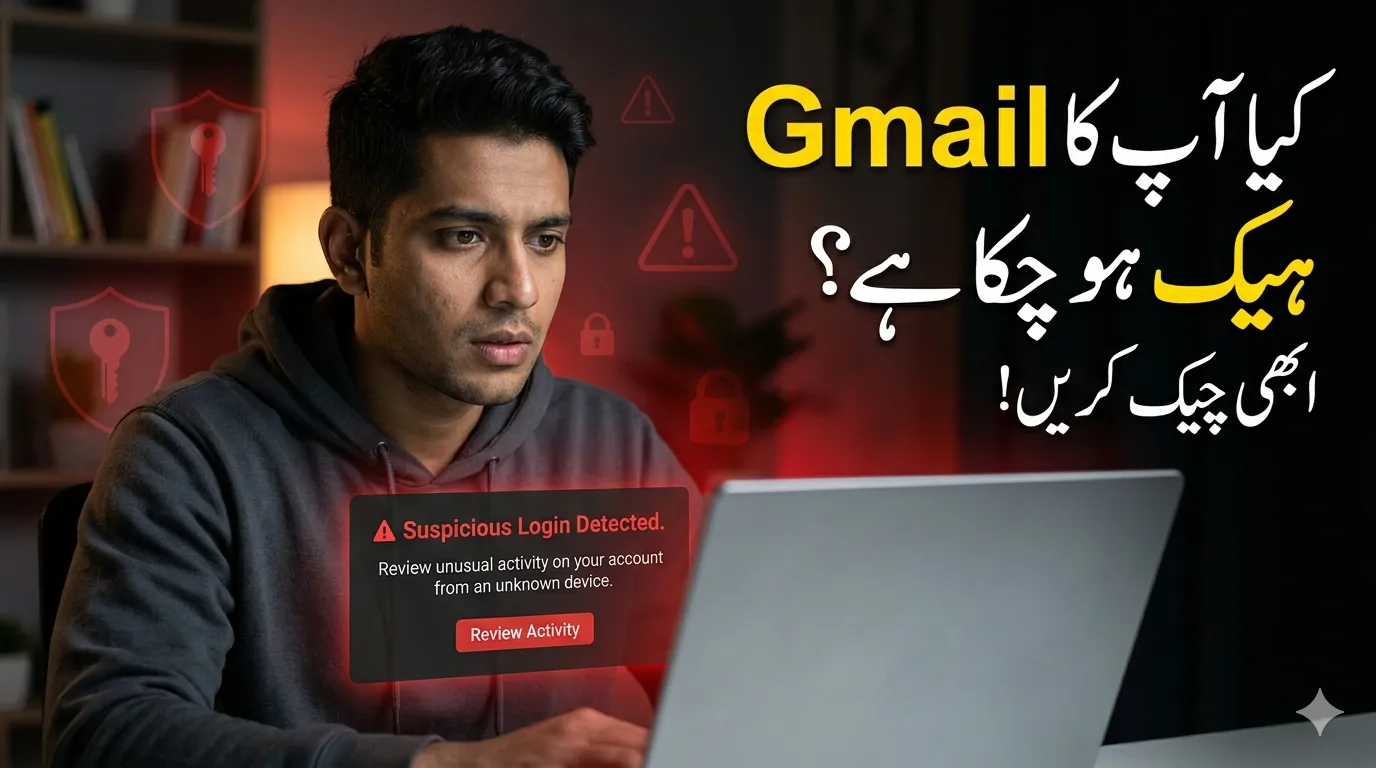
Your Gmail account is more than just an email inbox—it’s the center of your online identity. It connects to your banking alerts, social media, cloud storage, and even work tools. If someone gains access to it, they can potentially control a large part of your digital life.
The problem is that many people don’t realize their Gmail has been compromised until real damage is done. This guide will help you detect early warning signs, check your account properly, and secure it using proven methods that align with the latest Google security practices.
For More Updates keep visiting Readinfos
Why Gmail Security Is Critical in 2026
Cyber threats are evolving fast. Hackers now use automated tools, phishing attacks, and leaked databases to break into accounts. Gmail is a prime target because it acts as a “master key” to other services.
If your Gmail is hacked, attackers can:
- Reset passwords for other accounts
- Access personal and financial information
- Send scam emails to your contacts
- Lock you out of important services
Even a small security gap can lead to serious consequences.
Warning Signs Your Gmail May Be Hacked
Before checking your account, look for these common red flags:
Unrecognized Login Activity
If you see logins from locations or devices you don’t recognize, it’s a strong warning sign.
Emails You Didn’t Send
If friends or colleagues receive strange emails from you, your account may be compromised.
Unexpected Password Changes
Getting alerts about password changes you didn’t request is a serious issue.
Changed Account Settings
Hackers often modify:
- Recovery email
- Phone number
- Forwarding rules
Missing or Deleted Emails
Attackers may delete emails to hide their activity.
Step-by-Step: How to Check If Your Gmail Is Compromised
Follow these simple steps to verify your account security.
Review Recent Security Activity
- Go to your Google Account → Security
- Open Recent Security Activity
- Check login attempts, devices, and locations
Look carefully for anything unusual.
Check Devices Connected to Your Account
Under “Your Devices”, you’ll see all active sessions.
- Remove unknown devices
- Sign out remotely if needed
This step alone can stop unauthorized access.
Inspect Gmail Settings
Open Gmail settings and review:
- Forwarding & POP/IMAP
- Filters and blocked addresses
Hackers often create hidden forwarding rules to receive your emails without you noticing.
Use Google Security Checkup
Google provides a built-in tool that scans your account for risks.
It helps identify:
- Weak passwords
- Suspicious logins
- Unsafe third-party apps
This is one of the most reliable ways to quickly assess your account security.
What to Do If Your Gmail Is Compromised
If you notice anything suspicious, act immediately.
Change Your Password
- Use a strong, unique password
- Avoid reusing passwords across sites
- Include letters, numbers, and symbols
Enable Two-Factor Authentication (2FA)
This adds an extra layer of protection. Even if someone has your password, they won’t be able to log in without a verification code.
Remove Suspicious Apps
Check connected apps and remove anything unfamiliar or unnecessary.
Update Recovery Information
Make sure your:
- Recovery email
- Phone number
are correct and secure.
Scan Your Device for Malware
Sometimes the issue is not Gmail—it’s your device. Use a trusted antivirus tool to scan for spyware or keyloggers.
Practical Tips to Keep Your Gmail Secure
Staying safe online requires consistent habits. Here are expert-backed tips:
Use a Password Manager
It helps create and store strong passwords securely.
Avoid Public Wi-Fi for Logins
Public networks are risky. If necessary, use a VPN.
Watch Out for Phishing Emails
Never click suspicious links—even if they look official.
Check Your Account Regularly
A quick monthly check can prevent major problems.
Real-Life Scenario: How Gmail Hacks Happen
Imagine receiving a password reset email you didn’t request. You ignore it. Later, your bank account shows unusual activity.
What likely happened?
A hacker accessed your Gmail, reset your banking password, and gained control.
This is why early detection and quick action are so important.
Final Thoughts
Your Gmail account is one of your most valuable digital assets. Protecting it doesn’t require advanced technical skills—just awareness and regular checks.
Spending a few minutes reviewing your account today can save you from serious trouble in the future. Stay alert, follow best practices, and make security a habit.